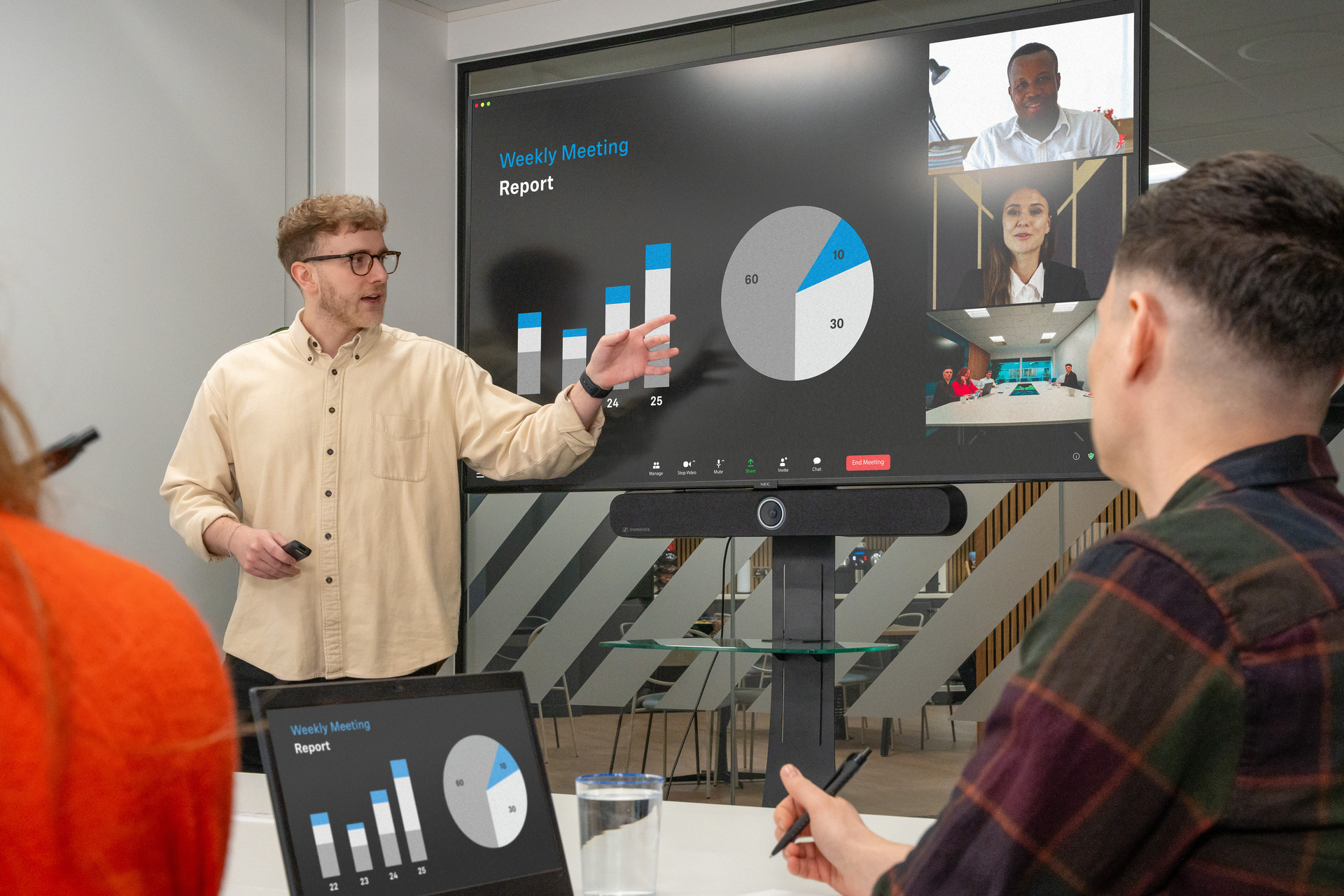
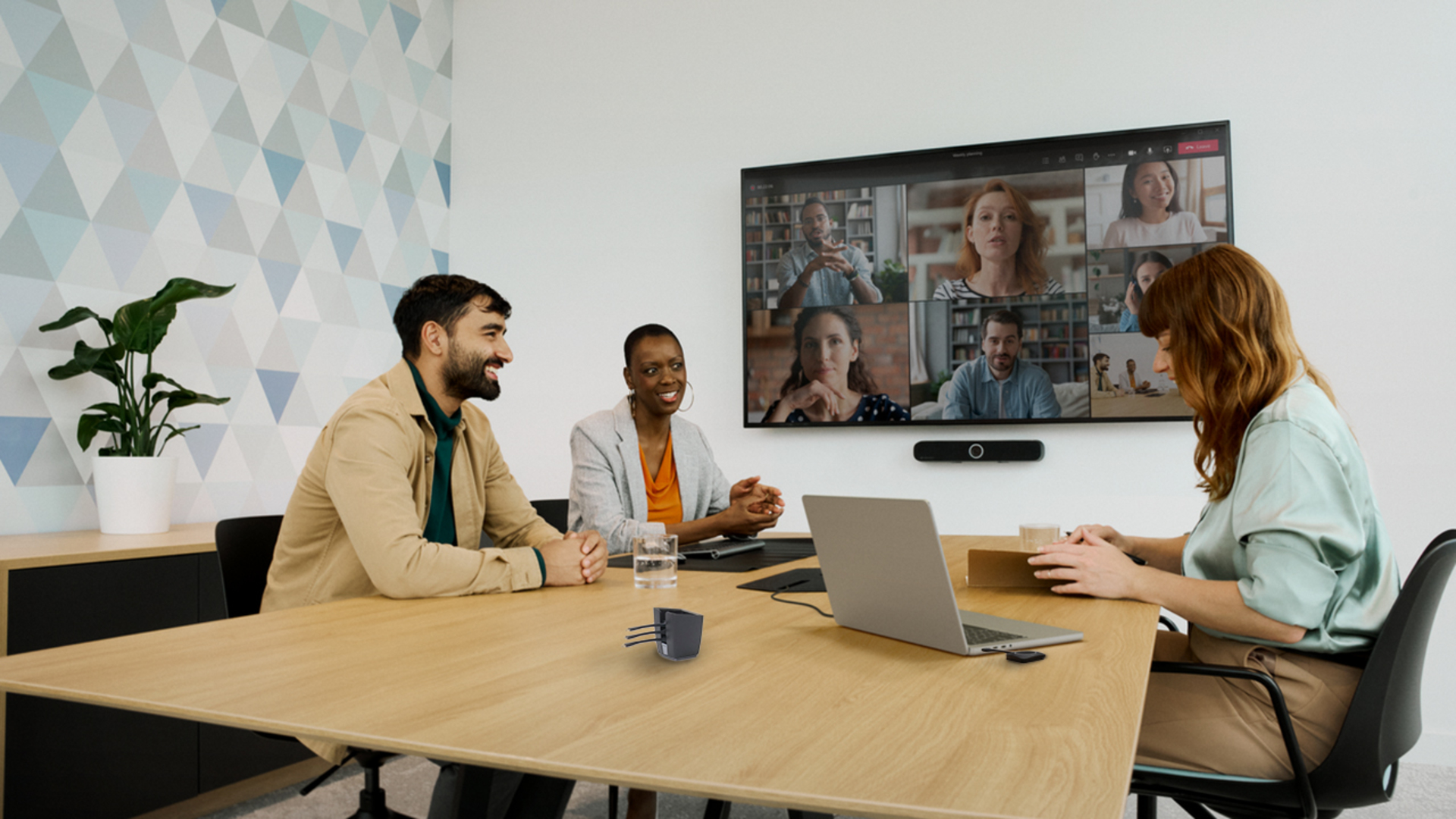
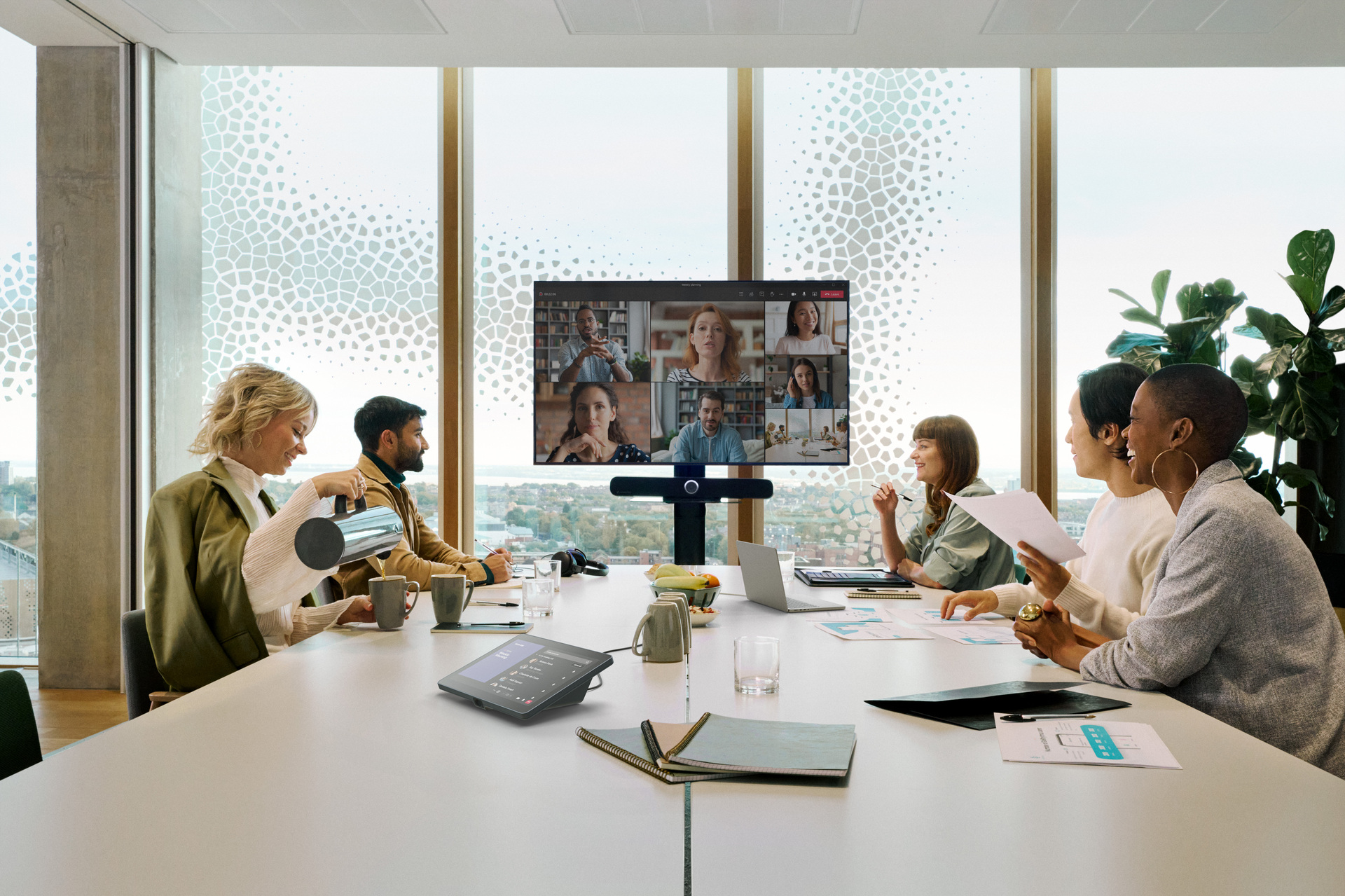
Hybrid work now defines how organizations meet, bringing together in-room teams and remote participants daily. Conference rooms must support both groups smoothly so discussions continue without delays or technical distractions.
Modern
conference room technology brings together cameras, microphones, displays, scheduling tools, and wireless sharing systems. When these systems work together, meetings become easier to manage and participants remain actively involved.
In this guide, we will explain conference room technology basics and ten solutions worth considering this year.
What are the Components of Conference Room Technology?
Conference rooms rely on a connected stack of technologies that work together during meetings. When these technologies operate together, teams experience smoother meetings across offices, homes, and hybrid environments.
- Audio Systems: Audio technology forms the foundation of meetings because every participant must hear conversations clearly. Microphones capture voices across the room while speakers and processing maintain balanced sound.
- Video Systems: Video systems allow remote participants to follow discussions by capturing participants and activity inside the meeting room. Cameras adjust framing automatically while conferencing endpoints connect devices with meeting platforms.
- Displays and Interactive Screens: Large displays present slides, documents, and shared content so everyone follows discussions easily. Interactive screens allow participants to annotate, edit ideas, and review information during meetings.
- Room Scheduling and Workplace Analytics: Scheduling panels outside meeting rooms display availability and allow employees to reserve spaces quickly. Analytics tools track room usage, meeting patterns, and signals such as cancellations or no-shows.
- Wireless Presentation and BYOM: Wireless presentation systems allow participants to share screens directly from laptops, tablets, or smartphones. BYOM enables users to run meetings from personal devices using the room’s cameras and microphones.
- Control Systems for Lighting and AV: Control systems allow users to manage lighting, displays, and room equipment through touch panels. These controls simplify meeting setup while maintaining comfortable room conditions for participants.
- AI-Powered Meeting Features: AI features help meetings run smoothly by tracking speakers and adjusting camera framing automatically. Some systems also generate live transcripts and meeting summaries for easier review afterward.
- Management, Monitoring, and Security: Management platforms allow IT teams to monitor devices and maintain systems across many meeting rooms. Security tools protect meetings through encryption, access controls, and regular system updates.
Why Companies are Investing in Conference Room Technologies
Organizations now depend greatly on digital communication as meetings connect employees across offices and locations. As hybrid work continues, companies want meeting spaces that support clear communication and productive discussion. The best conference room technology helps teams share information easily while reducing technical interruptions during daily meetings.
Better Employee Experience
Reliable meeting technology improves daily work by reducing technical disruptions that interrupt discussions. When audio, video, and screen sharing work properly, employees stay engaged throughout meetings. Teams spend more time contributing ideas instead of troubleshooting devices or waiting for systems.
Higher Meeting Efficiency
Modern conference room systems reduce preparation time so meetings begin smoothly without unnecessary delays. Wireless presentation tools allow presenters to switch quickly without cables or complicated equipment changes. As a result, teams spend less time fixing issues and more time discussing decisions.
Stronger Collaboration Across Locations
Hybrid work means meetings often include both remote participants and colleagues sitting inside the room. Meeting and conference room technology ensures everyone can speak, present, and follow discussions clearly regardless of location. This helps remote employees participate fully while keeping discussions balanced across the entire meeting.
Before You Buy: A 7-Point Selection Checklist
Before choosing conference room technology, teams should review several practical factors that influence meeting performance. This checklist helps teams compare solutions carefully before reviewing the top technologies recommended for modern meeting spaces.
1. Is it the right fit?
Different teams rely on different meeting formats, from quick check-ins to structured presentations and workshops. The technology should support these common meeting styles so discussions flow smoothly without technical interruptions. Selecting tools aligned with real meeting habits helps teams collaborate naturally and stay engaged throughout discussions.
Room size plays a major role when selecting microphones, cameras, displays, and wireless presentation systems. Smaller spaces may work well with integrated video bars, while larger rooms need wider audio pickup. Choosing equipment based on room layout ensures every participant can hear, see, and contribute clearly.
Hybrid meetings require systems that connect remote colleagues and visiting participants without complicated setup procedures. Wireless presentation tools and compatible conferencing platforms make it simple for guests to share content. When joining meetings feels simple for everyone, discussions stay productive and teams avoid unnecessary delays.
2. Is it easy to use?
Simple interfaces reduce confusion and allow teams to begin meetings without wasting time on setup. When buttons, displays, and controls follow familiar patterns, employees feel confident using the system immediately. Clear layouts also reduce dependency on IT support, helping teams run meetings smoothly every day.
Meeting tools should connect devices quickly, allowing participants to present or join calls without delay. Wireless connectivity and clear prompts help users link laptops or phones without searching for cables. When starting meetings becomes effortless, discussions remain productive and participants stay engaged throughout the session.
Meeting technology should feel intuitive so teams spend time discussing ideas instead of troubleshooting equipment. Systems that rely on familiar touch controls and clear icons reduce confusion during everyday meetings. When training needs remain minimal, organizations save time while employees adopt the technology with confidence.
3. Is the audio clear?
Clear sound allows teams to follow discussions without asking speakers to repeat points.
Quality microphones should capture voices from different seats while keeping speech balanced across the room. Good systems also reduce unwanted sounds so conversations remain easy to understand during longer meetings.
Remote attendees rely on consistent voice pickup to stay engaged in group discussions. Microphones placed across the room help capture voices evenly from every seating position. This prevents louder speakers from dominating while quieter voices remain audible during conversations.
Conference rooms often include typing, chair movement, and hallway sounds that can interrupt meetings. Modern audio systems reduce these distractions so voices remain clear during calls. With fewer interruptions, participants can stay engaged and discussions move smoothly from start to finish.
4. Is the video quality good?
High resolution video helps participants see facial expressions, shared visuals, and subtle cues during meetings. When image quality remains stable, discussions feel smoother and remote participants stay engaged throughout conversations. Poor video clarity distracts attention and forces participants to repeat information during important meeting moments.
Conference cameras should capture every participant clearly so remote attendees feel part of discussions. Clear visibility improves engagement because remote users can easily read reactions and understand group dynamics. When visibility remains consistent, conversations feel balanced between in-room attendees and colleagues joining from outside.
Smart camera framing helps remote viewers track speakers without constant manual adjustments during meetings. Cameras that follow movement ensure the active speaker remains visible as discussions move around. Consistent framing keeps attention on the conversation instead of technical distractions during meetings.
5. Is it scalable?
Conference technology should operate smoothly in small huddle rooms, medium rooms, and larger boardrooms. Systems built for flexibility allow organizations to standardize equipment and maintain consistent meeting experiences everywhere. This ensures teams can use familiar controls regardless of which room they enter.
Many organizations manage multiple meeting spaces with varying capacity and equipment requirements. Choosing compatible systems ensures microphones, cameras, and displays perform reliably across each room layout. This consistency prevents confusion and keeps meetings productive across departments and locations.
Growing organizations frequently add new collaboration spaces as teams expand and offices evolve. A scalable system allows IT teams to install additional rooms without rebuilding the entire setup. This makes it easier to support hybrid work while maintaining stable performance across all meeting spaces.
6. Is it secure?
Security should be a priority when selecting conference room technology for modern meeting environments. Meeting conversations often contain sensitive business information that must remain protected during every discussion. Choosing systems with encrypted communication helps prevent unauthorized access while meetings occur across internal networks.
Guest access should also be carefully controlled so external visitors cannot reach company systems. Separate guest networks allow visitors to present content while keeping internal files and tools restricted. This separation reduces risk while still allowing teams to host external meetings without technical complications.
Regular system updates are equally important for maintaining reliable and secure conference room technology. Updates correct vulnerabilities and improve system stability so meetings continue running without interruptions. Organizations should choose solutions that support scheduled updates and remote management across multiple meeting rooms.
7. Is it compatible?
A conference room system should work smoothly with the tools your teams already use daily. Check whether the platform connects with company calendars so meeting schedules update correctly across devices. When calendars stay synchronized, employees can reserve rooms, prepare meetings, and avoid scheduling confusion.
Compatibility with meeting platforms is equally important for teams running hybrid or remote discussions regularly. Make sure the system supports common services such as Microsoft Teams, Zoom, and Webex meetings. This ensures employees can start meetings instantly without changing workflows or installing extra tools before discussions begin.
Your network environment also plays a major role when selecting conference room technology solutions. The system should comply with company security rules, authentication policies, and existing network configurations. When compatibility fits your infrastructure, meetings start smoothly and IT teams manage devices without unnecessary complications.