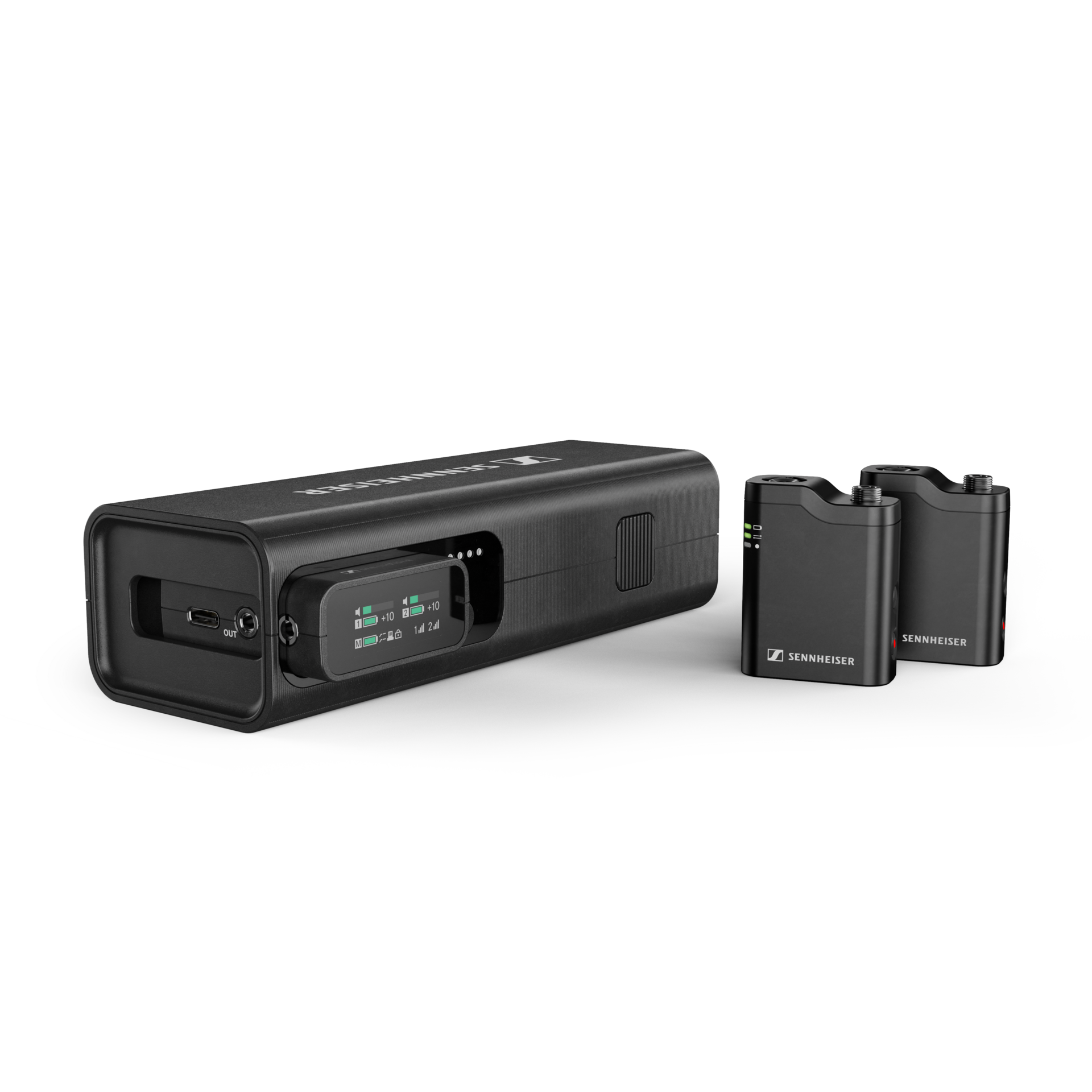
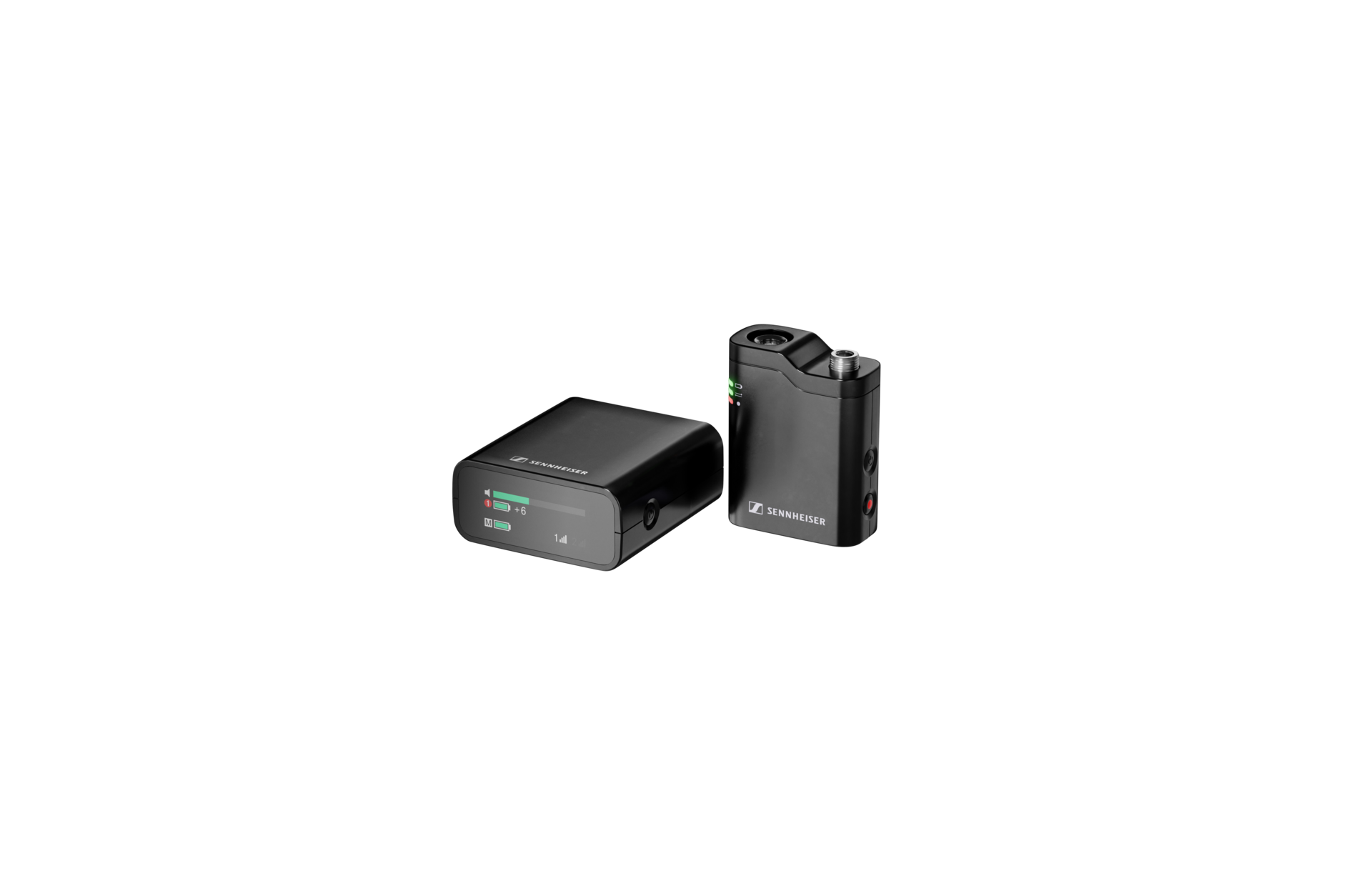
The best recording setup is sometimes the one you already have in your pocket. With its new Firmware 5.0.0 update, the Sennheiser Profile Wireless now allows you to record professional audio directly to your mobile device without needing a receiver or extra cables.
Whether you are a mobile journalist, a content creator on the move, or a professional who needs a streamlined backup, you can now pair your Profile Wireless transmitter directly to your smartphone, tablet, or computer without using the receiver.
Here is how to set up your direct Bluetooth workflow for Profile Wireless in under 60 seconds:
Step 1: Update to Firmware 5.0.0
Before you begin, ensure your Profile Wireless system is running the latest software. This feature requires Firmware 5.0.0 or later to enable the Bluetooth Classic or LE Audio connection option. This firmware is available for both Profile Wireless 2-Channel and 1-Channel Sets. You can find the latest updates in the
download section of the product pages.
Step 2: Enter Bluetooth Mode
Turn on your Profile Wireless transmitter. To switch from the standard 2.4 GHz connection (used with the receiver) to Bluetooth mode, quickly press the Power Button three times. You’ll know it’s working when the transmitter’s connection LED turns from Red to Blue.
Step 3: Activate Pairing
Once the LED is blue, you need to make the transmitter visible to your device.
- Press and hold the On/Off button and the Recording button simultaneously.
- Hold until the connection LED starts to flash blue. This indicates that the transmitter is in pairing mode.
Step 4: Connect Your Device
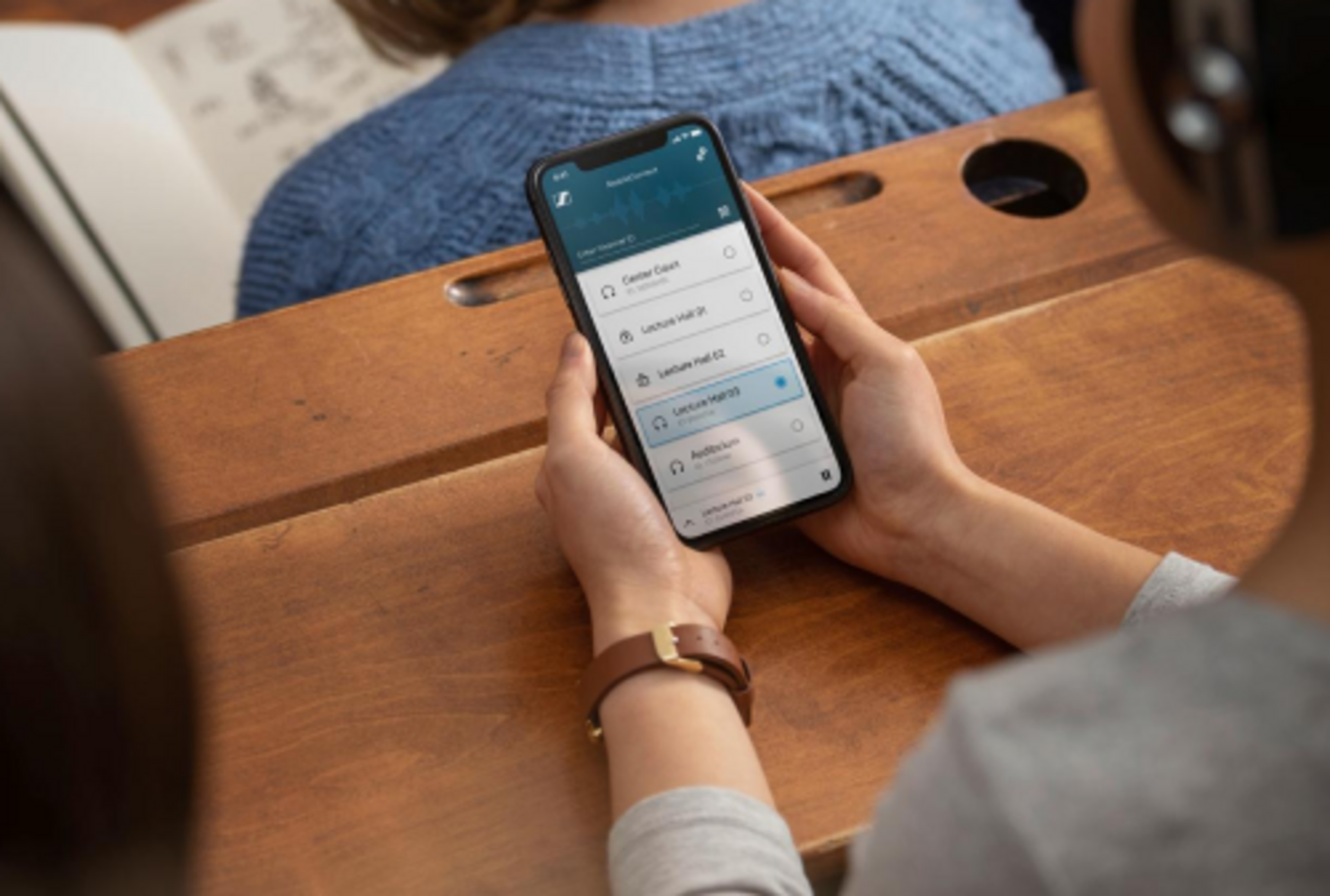
Open the Bluetooth settings on your mobile device, PC, or Mac. Look for the device named "Profile Wireless TX BT" and click to connect.
Note: If your device supports Bluetooth LE Audio, you may see an additional settings menu for high-fidelity connection options.
Step 5: Start Recording
Open your preferred recording app (such as Filmic Pro, Voice Memos, or your DAW). Select Profile Wireless as your audio input, and you are ready to record audio with zero cables and zero dongles.
Pro Tip for Maximum Quality: While Bluetooth direct connection offers a fast, minimalist setup, standard Bluetooth audio transmission is compressed. For the absolute best results, we highly recommend enabling the transmitter's internal 32-bit float recording simultaneously. This gives you a backup audio file to sync in post-production.
Watch the Step-by-Step Guide
Prefer a visual walkthrough? Check out this tutorial on the Sennheiser YouTube channel:
Why use Bluetooth direct connection?
While the 2.4 GHz receiver connection offers the lowest latency and maximum range, Bluetooth direct connection is a gamechanger for:
- Minimalist Setups: Recording high-quality audio directly into a smartphone for social media.
- Remote Meetings: Using your professional mic for crystal-clear audio on Zoom or Teams calls without extra gear.
- Redundancy: A quick and reliable backup if you forget your lightning or USB-C adapters.