10 Key Benefits of Video Conferencing for Businesses
Video conferencing plays a major role in helping businesses communicate clearly across teams and locations. Here are some of the main benefits businesses experience when using video conferencing regularly.
1. Clearer Conversations Than Voice-Only Calls
When people can see each other during meetings, conversations become clearer and easier to interpret. Facial expressions and small gestures help participants understand tone, intent, and meaning behind spoken words. This visual layer reduces confusion that often appears during long audio calls or message threads.
Video meetings naturally keep participants attentive because everyone remains visible throughout the discussion. People stay engaged during conversations instead of drifting toward unrelated tasks or distractions. As a result, discussions remain active and teams absorb information more carefully during important conversations.
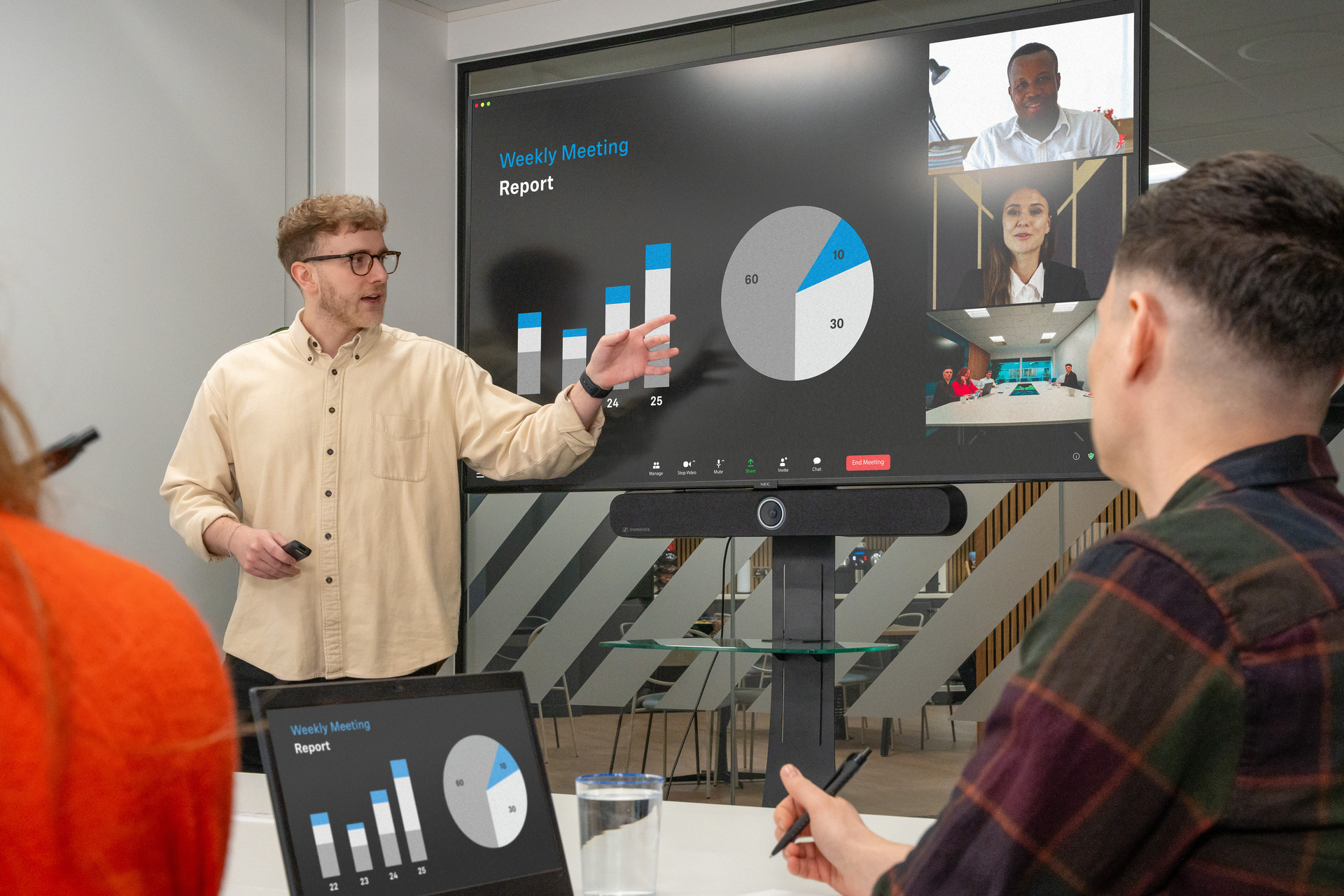
Complex topics often require explanations that combine spoken ideas with visual material on screen. Video conferencing allows speakers to present slides, diagrams, or documents while explaining details clearly. Seeing both the speaker and shared material helps teams follow discussions without missing important context.
2. Stronger Relationships Across Distance
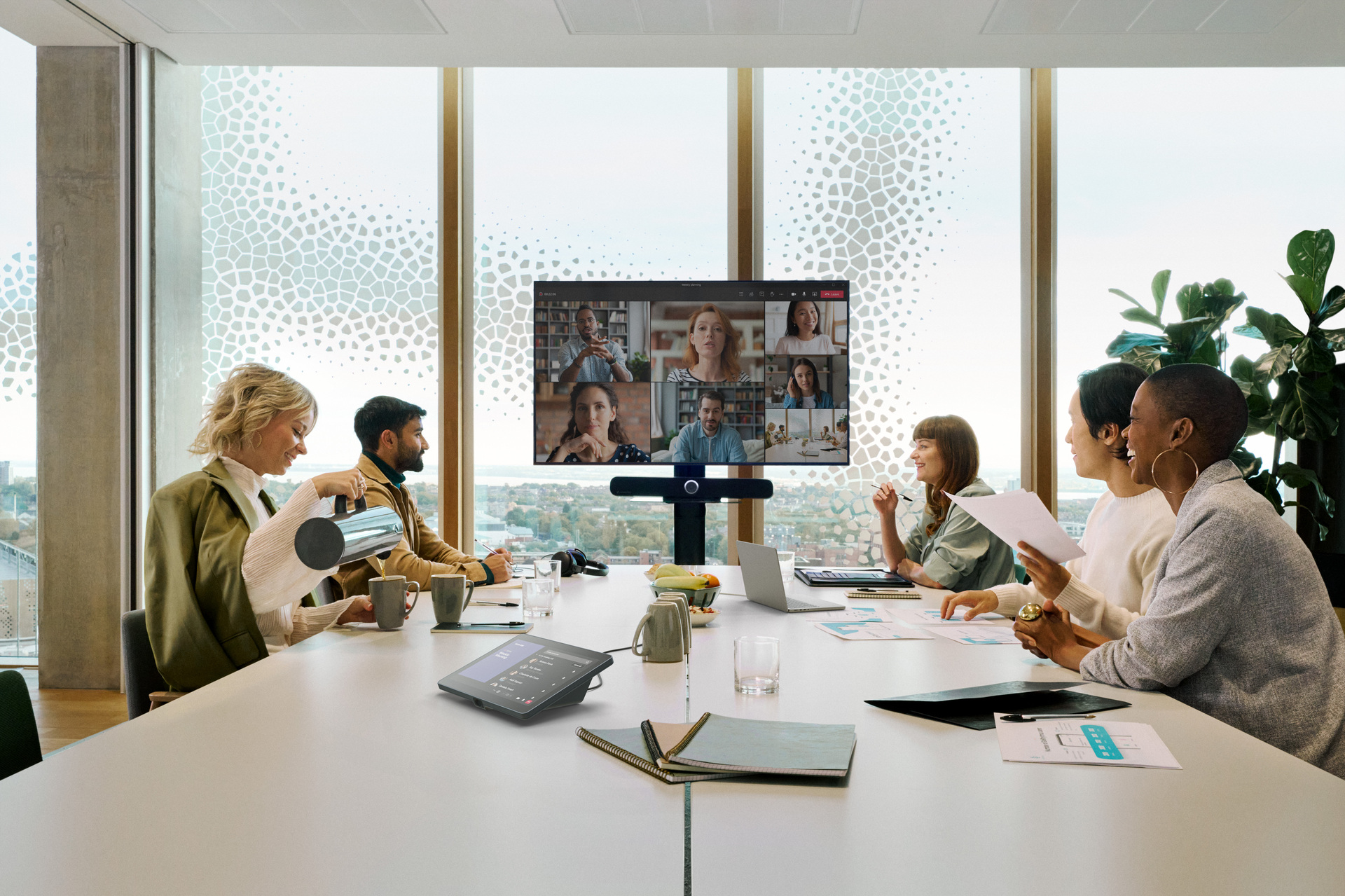
A notable benefit of video conferencing in business is that teams build familiarity that emails and phone calls rarely provide. When people see expressions and reactions, conversations feel more natural and trust grows steadily. Over time, these interactions help colleagues communicate openly and work together with greater confidence.
Remote employees often struggle with feeling disconnected from daily team discussions and informal office moments. Video meetings help them stay involved by keeping communication direct, personal, and consistent across locations. As a result, remote staff feel included in conversations and remain engaged with ongoing work.
Client relationships also benefit when communication feels personal rather than distant or purely transactional. Seeing each other during meetings strengthens understanding and keeps discussions clear and productive. Regular check-ins through video help maintain familiarity, which supports stronger long-term partnerships.
3. Lower Travel and Meeting Costs
Business travel often consumes large budgets through flights, hotel stays, local transport, and meals. Video conferencing removes many of these expenses by allowing teams to meet virtually instead. As a result, organizations can reserve travel funds for strategic meetings where physical presence truly matters.
These savings become noticeable when training sessions, vendor updates, and routine reviews move online. Instead of arranging flights or coordinating travel schedules, teams simply join meetings from their devices. This change helps companies manage operational spending more carefully while maintaining steady communication across departments and locations.
Employees benefit from financial savings because commuting, parking fees, and fuel expenses appear less frequently. At the same time, employers may reduce office space needs when remote meetings support flexible work arrangements. Over time, these combined savings create a healthier balance between operational costs and everyday business communication.
4. Time Savings and Faster Decisions
Video conferencing removes the need to travel across offices or cities for routine meetings. Teams can connect from their desks and begin discussions immediately without planning long trips. This simple change allows a one-hour meeting to remain exactly that instead of consuming half the day.
Because meetings are easier to arrange, teams can schedule quick check-ins whenever decisions are needed. These short conversations help resolve questions early before they slow progress on projects. As a result, work continues smoothly without waiting days for replies through long message threads.
Video calls also reduce confusion that often appears in long email exchanges between team members. Participants can explain ideas clearly while sharing screens or documents during the discussion. This immediate clarity helps teams agree on next steps sooner and move projects forward.
5. Easier Collaboration on Documents and Projects
Video meetings make it easier for teams to work on documents together without confusion. Screen sharing allows everyone to view the same file while discussing ideas and changes together. This shared view keeps discussions clear and helps teams move projects forward with better understanding.
During calls, team members can edit documents or slides while others watch the updates instantly. This makes it easier to review designs, reports, or presentations while feedback happens naturally during discussions. As a result, decisions happen sooner because everyone sees the same updates at the same time.
Working together during the meeting also reduces confusion caused by multiple document versions. Since edits appear immediately, teams avoid sending repeated files back and forth through email. Over time, this habit keeps projects organized and helps teams maintain steady progress across departments.
6. Flexibility for Remote and Hybrid Workforces
Video conferencing allows employees to attend meetings from home offices, client locations, or while traveling. This flexibility keeps communication flowing even when team members work from different cities or countries. As a result, teams stay connected without requiring everyone to gather in the same office.
Reducing daily commuting helps employees reclaim valuable hours that would otherwise be spent traveling. With fewer long commutes, people gain more time for focused work and personal responsibilities. Over time, this balance helps employees stay engaged while maintaining healthier routines around work.
Businesses also benefit because location no longer limits who they can hire or retain. Companies can recruit qualified professionals from different regions while keeping them connected through regular meetings. This wider hiring reach helps teams grow with diverse expertise while maintaining strong communication across locations.
7. Higher Productivity Across Teams
Video conferencing helps teams get answers quickly instead of waiting hours for email replies. When questions come up during projects, a short call can resolve confusion within minutes. As a result, work keeps moving forward without long delays caused by unclear instructions.
Teams working across departments often depend on quick updates to keep projects moving smoothly. Video meetings allow everyone to review progress together and clarify details before problems grow. This shared understanding helps teams stay coordinated even when members work from different offices or locations.
Complex initiatives often involve many contributors, which makes clear communication essential throughout the process. Regular video check-ins allow teams to discuss progress, address issues early, and confirm priorities. Because everyone hears the same updates together, projects maintain steady momentum across departments and locations.
8. Better Training, Onboarding, and Events
Video conferencing allows trainers to connect with employees across offices without arranging travel or physical sessions. Teams in different locations can join the same training call and learn together in real time. This shared experience helps organizations deliver consistent knowledge while keeping communication clear during each session.
Because participants can see and hear the presenter, training becomes easier to understand and follow. Features like live questions, quick polls, and demonstrations keep employees involved throughout the session. As a result, teams stay attentive while gaining practical knowledge they can apply during daily work.
Video platforms also support large internal or external gatherings without the cost of physical venues. Companies can host webinars, product announcements, or company updates for staff across multiple regions. This makes communication smoother while helping businesses organise informative events without heavy planning or travel costs.
9. Accurate Records and Improved Compliance
Video conferencing platforms allow teams to record meetings and store them for future reference. This means decisions, discussions, and assigned tasks remain documented instead of depending on memory. When questions arise later, teams can revisit recordings and confirm exactly what was discussed earlier.
These recordings also help colleagues who missed the meeting stay informed without requesting lengthy updates. They can review the discussion, understand key points, and continue work without confusion. As a result, teams spend less time repeating information and more time moving projects forward.
Accurate records also matter when businesses operate in regulated industries or manage sensitive decisions. Stored meetings and transcripts provide evidence of discussions, approvals, and agreed actions during projects. This reduces dependence on rushed personal notes that often miss details during busy conversations.
10. Supports Scalability and Expansion
Small teams often face limits when coordinating work across locations and growing client demands. Video conferencing removes location barriers, allowing teams to connect quickly without waiting for travel plans. As communication becomes easier, teams respond faster to opportunities and operate with greater confidence.
This flexibility also helps businesses support clients and partners located across multiple regions. Teams can schedule discussions quickly, share updates clearly, and maintain strong relationships across different time zones. As a result, organizations stay responsive while expanding their reach without opening new offices immediately.
As companies grow, communication needs naturally expand across departments, teams, and partner networks. Video conferencing platforms grow alongside these needs, supporting more users, meetings, and integrated tools. This allows organizations to maintain clear communication structures while managing larger teams and complex operations.